Flikker on your TV
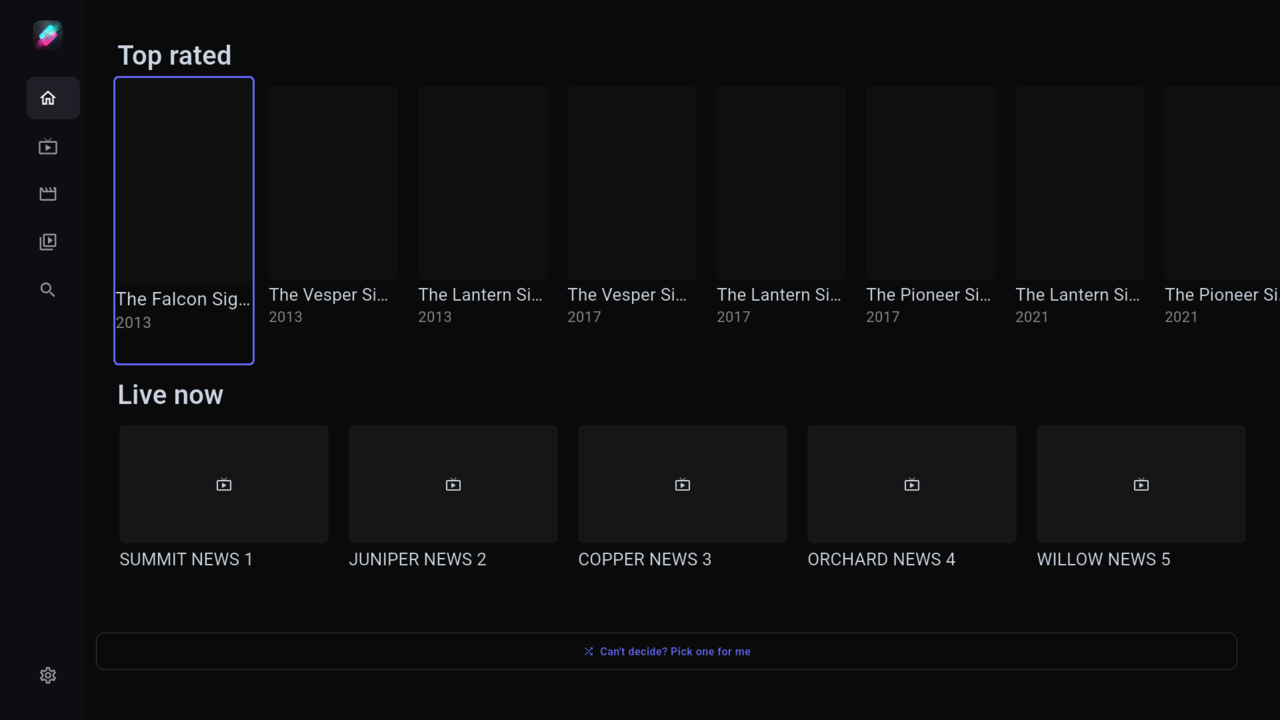
The same app, built for a remote. Big type, clear focus, a menu on the left, and the flick becomes channel up and down. In testing on LG webOS 26 and Android TV, not yet downloadable, and we do not promise dates.
LG webOS 26 In testing
Flikker runs on LG TVs with webOS 26 in our tests. Focus moves with the arrow keys, OK selects, and Back steps out.
Android TV and Fire TV In testing
The same TV layout runs on Android TV and Fire TV devices.
How it will install on Fire TV
- Install the Downloader app from the Amazon app store.
- Open Downloader and enter
flikker.app/download. - Download the TV build and confirm the install.
How it will install on Android TV
Sideload the TV build. Copy the APK to the TV with a file manager or a USB drive, allow installs from that app, then open the file.
The TV builds are not on the download page yet. They will appear there when testing is done.
Samsung and Roku
Planned
Samsung TVs and Roku are on the list. There is no build and no date yet.
Pair this TV
Pairing arrives with accounts, which do not exist yet. For now you enter your playlist on the TV with the remote.
What it looks like
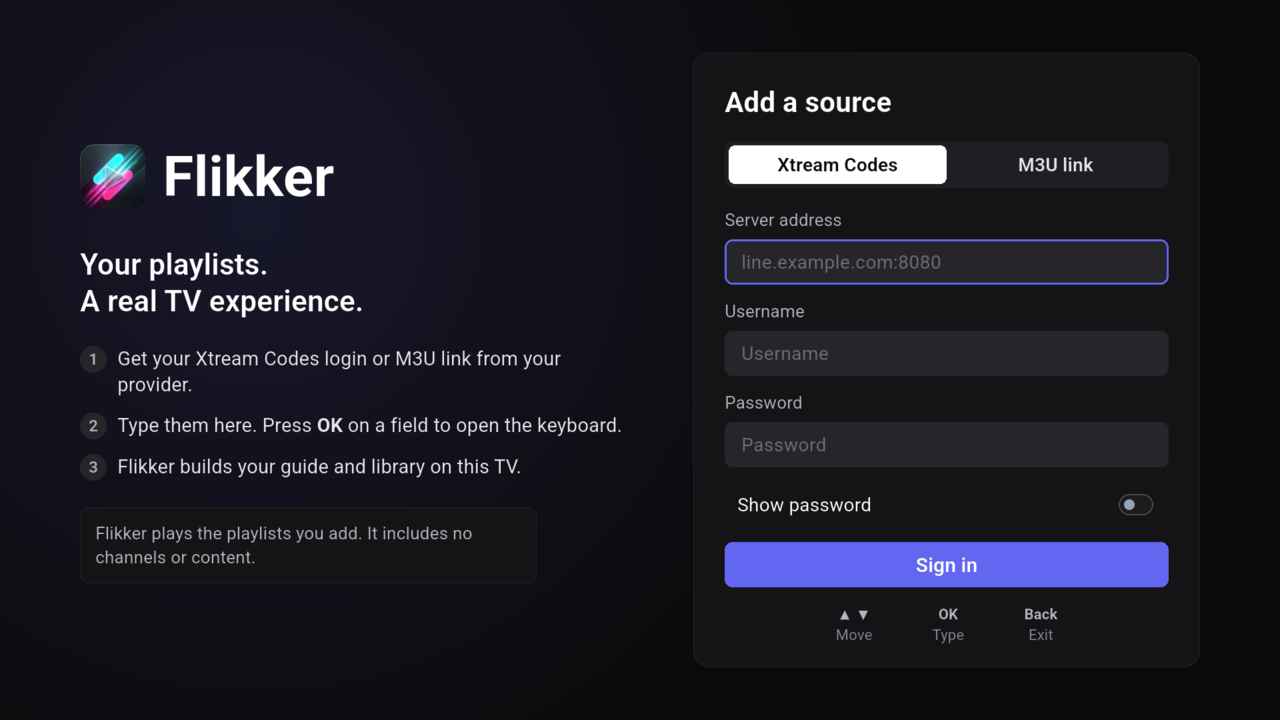
Flikker plays the playlists you add. It includes no channels or content.