Android, Google Play review in progress
The IPTV player that feels like streaming.
Your playlists, the way streaming should feel. Flikker plays the playlist you already pay for. It opens in a second, never leaves you staring at a frozen stream, and helps you find something to watch without digging through four hundred categories.
- AndroidIn review
- iOSSoon
- LG webOSSoon
- Samsung TizenSoon
Works with Xtream Codes logins and M3U links.
Flikker plays the playlists you add. It includes no channels or content.
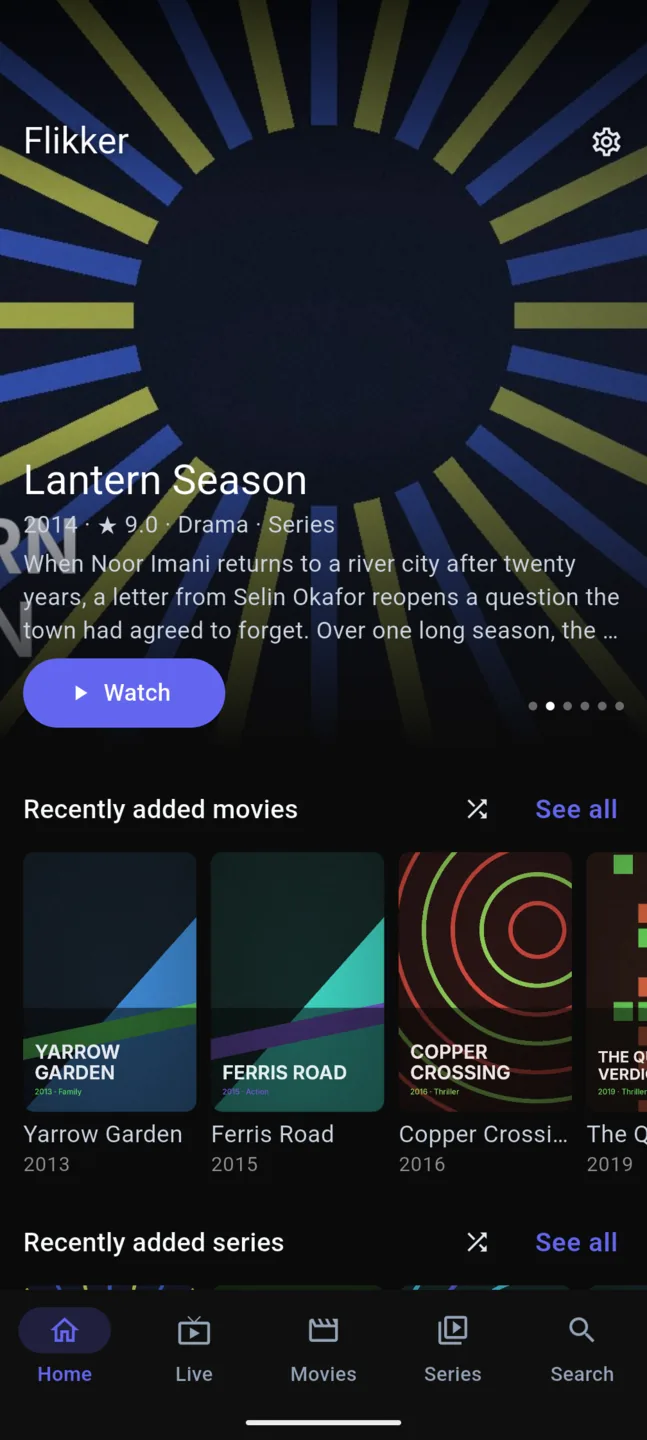
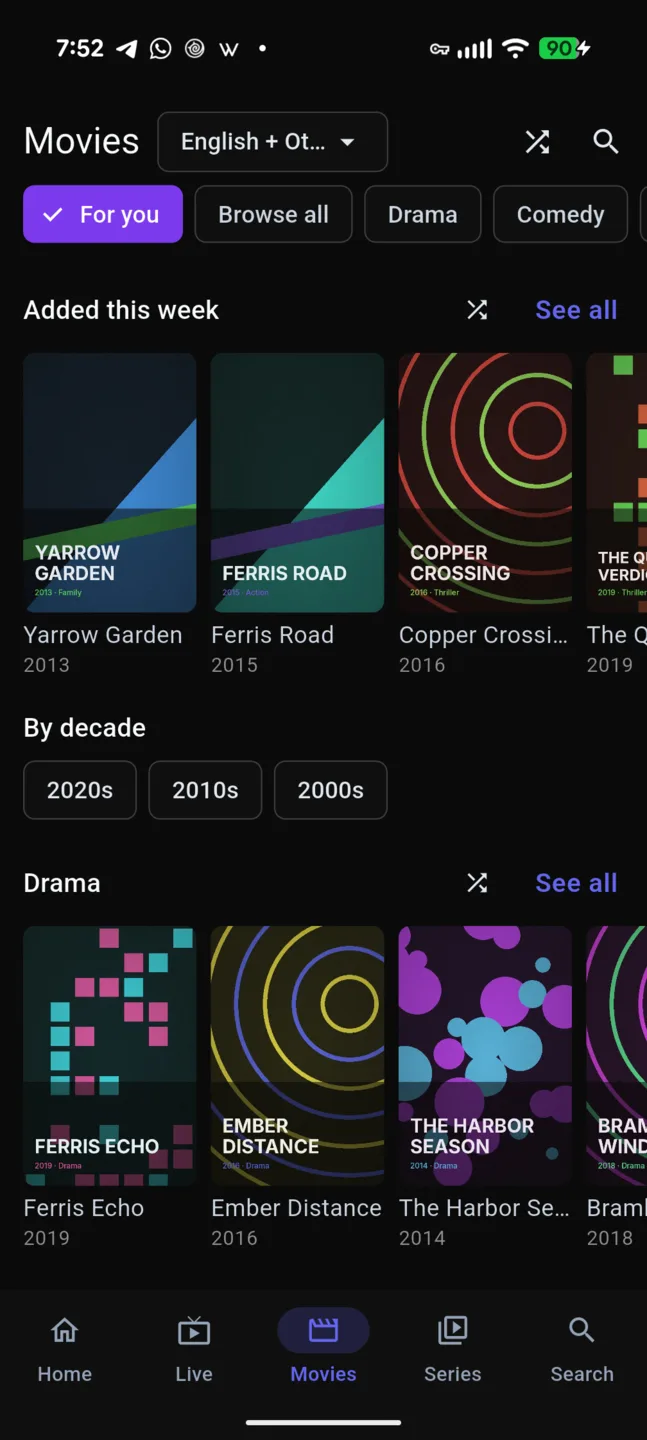
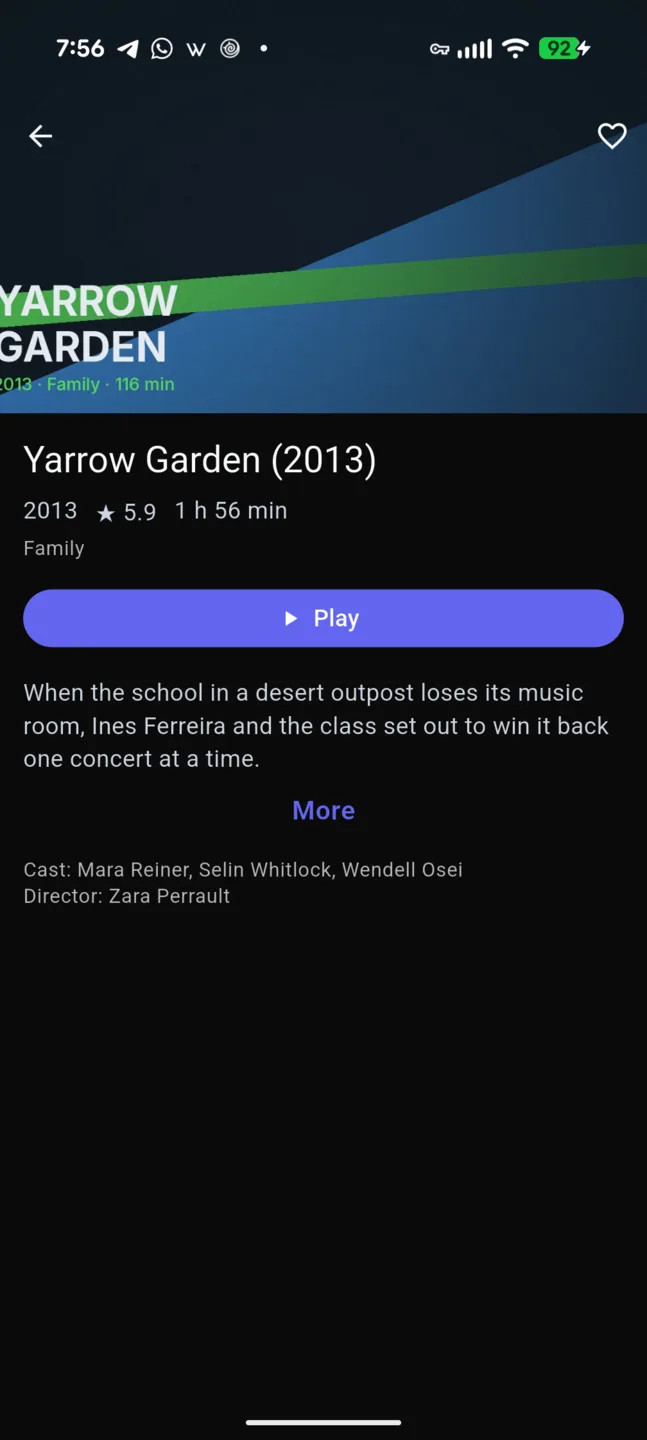
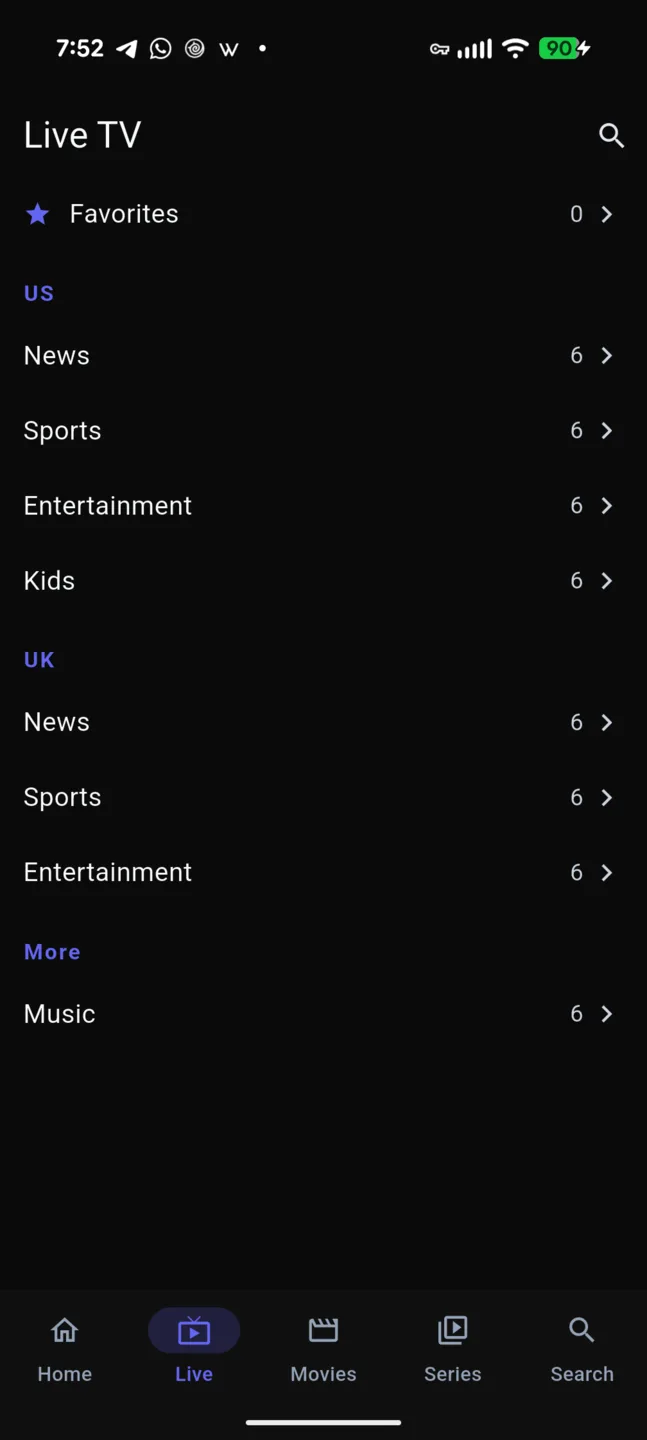
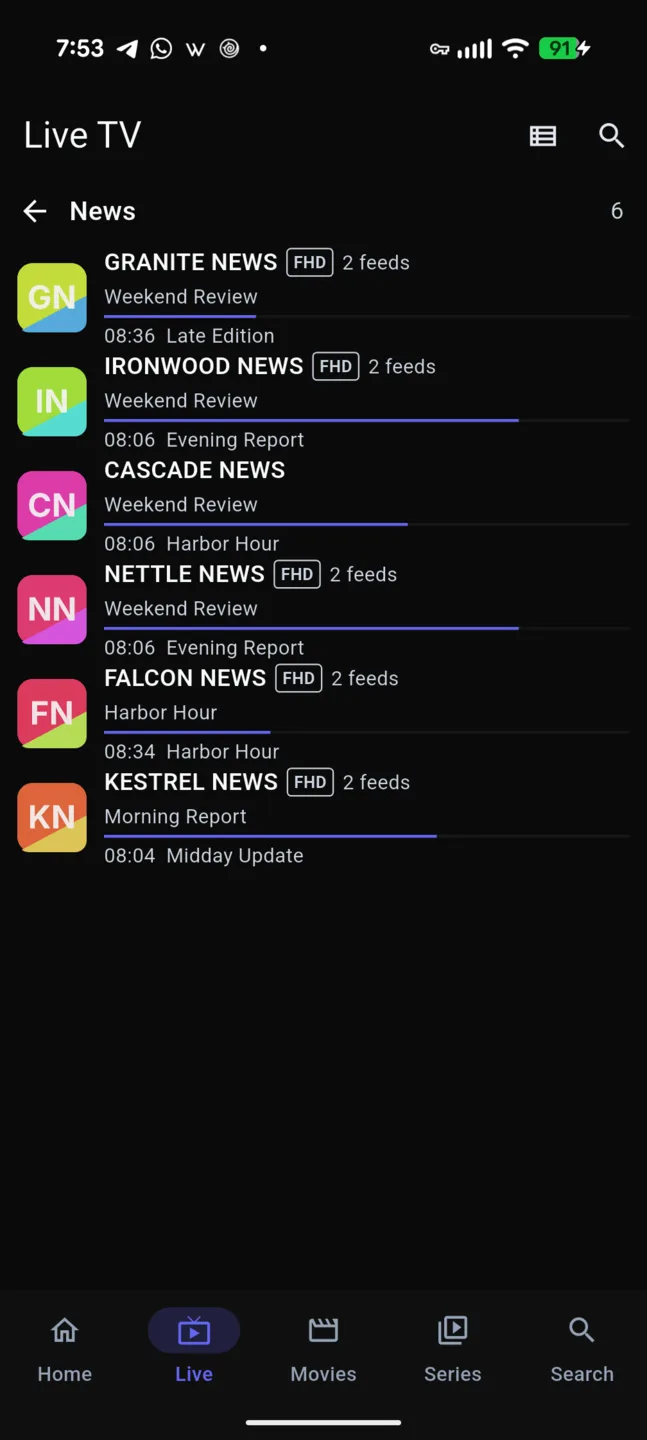
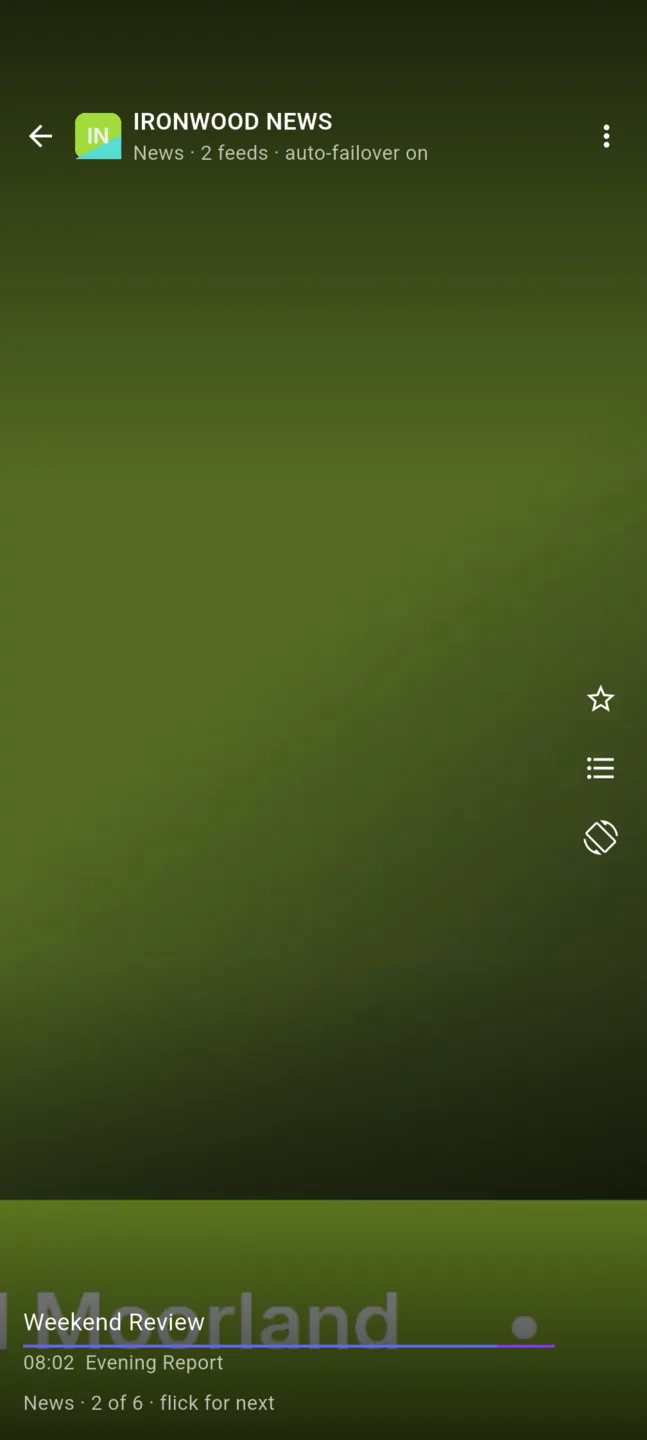
Why people switch
Opens in a second, not in four minutes
Your channels and library live on the phone in a local database. The guide is there the moment the app opens, even with fifty thousand channels and two hundred thousand titles. No spinner. No progress bar to stare at.
A dead stream fixes itself
Providers stall. Most players make you change the channel or go hunting in buffer settings. Flikker already knows every copy of the channel in your playlist, so when the picture freezes or the feed drops it switches to another feed of the same channel in about two seconds. You stay on the channel and never touch a setting.
Flick, do not scroll
Swipe and the next channel slides in under your finger, with what is on now and next. It is the quickest way to see what is on. We have not found another player that does it.
One card per channel, one card per movie
No more HD, FHD and 4K copies of the same channel in a list. They sit in one row with a quality picker, and those spare feeds are what the failover uses. A movie that appears five times becomes one card with a versions list.
Find something in seconds
Home shows what you were watching and what is new. Your library filters to your language first. Provider tags are cleaned out of names. Search forgives typos. Stuck? Pick one for me.
Free stays free
The app you download is the full single-device app: live, movies, series, search, flick and failover, with no ads, no tracking and no account needed. Your playlist login never leaves your phone.
Personal and Family, for more than one screen
The optional plans carry your playlists, favorites, profiles and where you left off to every device you sign in on, at a price shown with tax included. Your playlist login is encrypted on your phone before it syncs, and Flikker cannot read it.
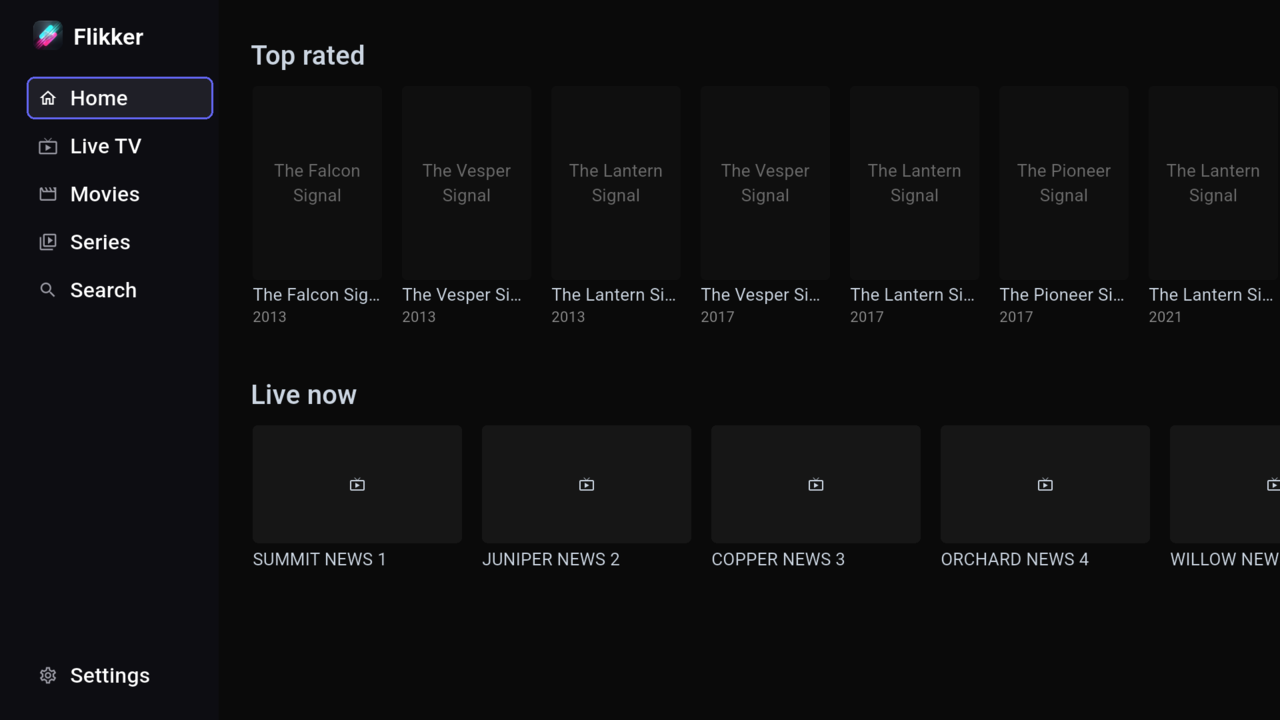
A look inside
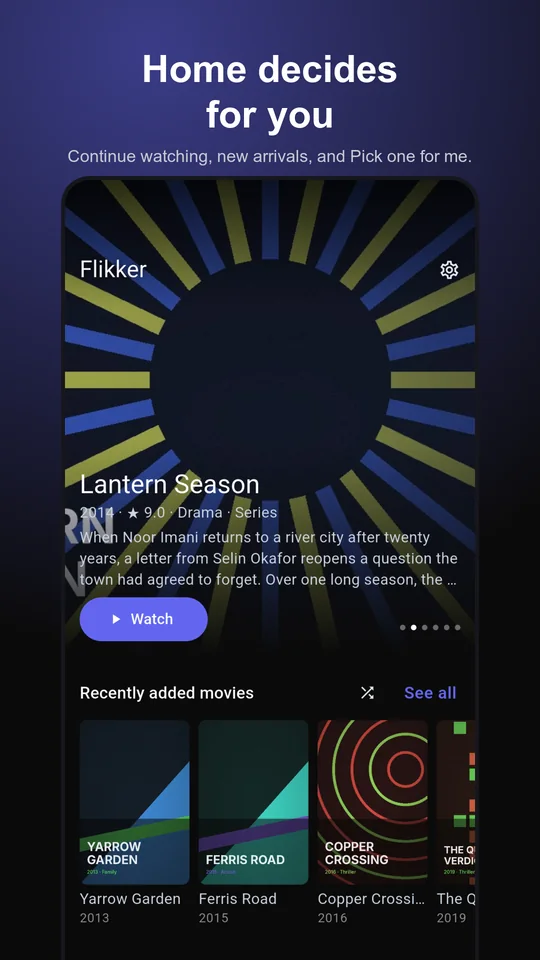
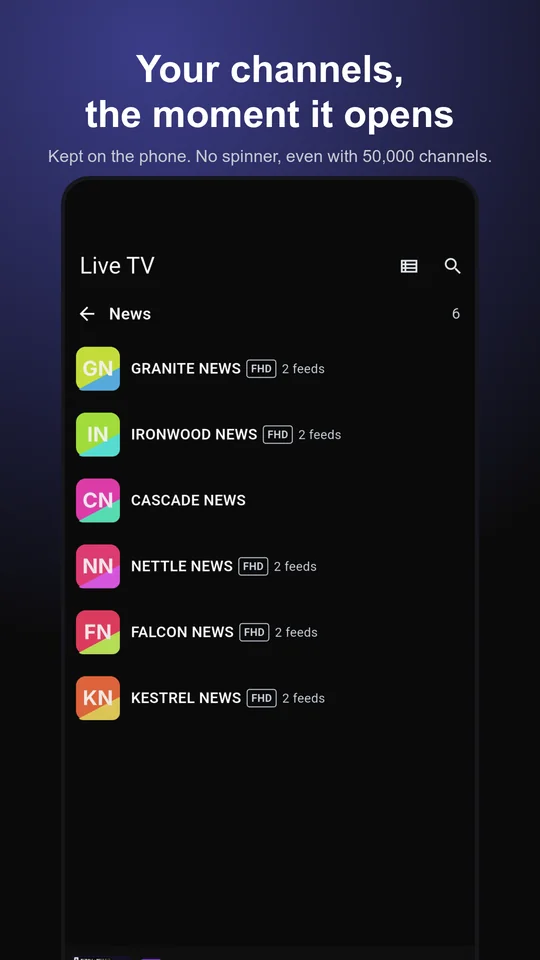
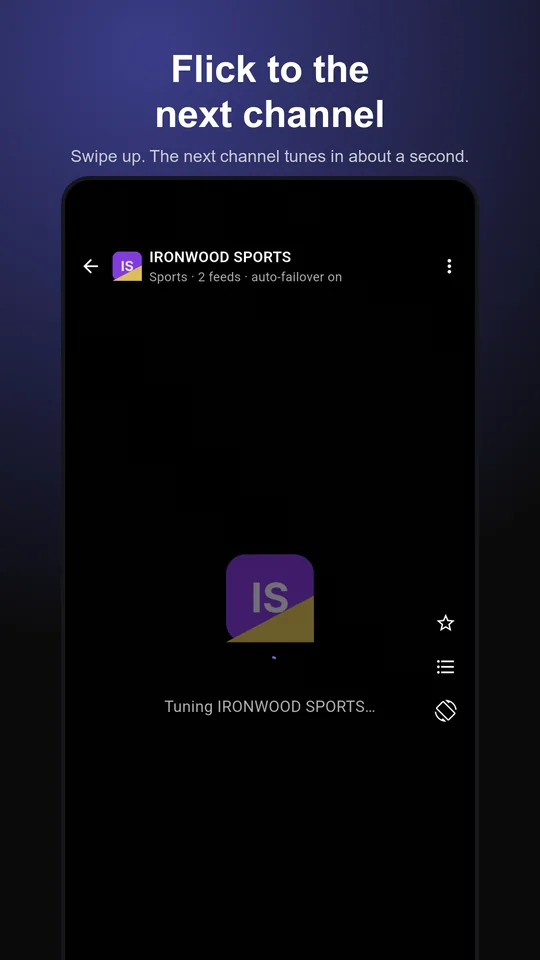
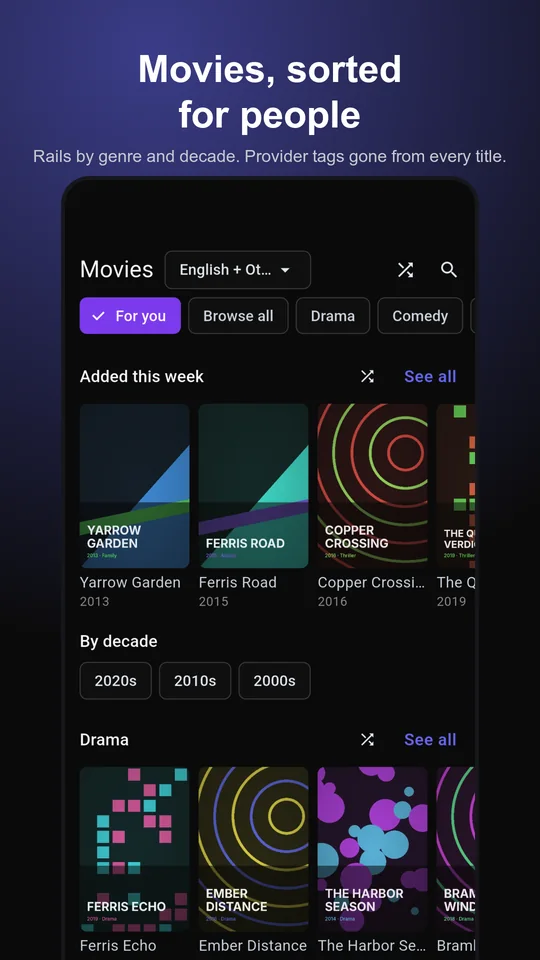
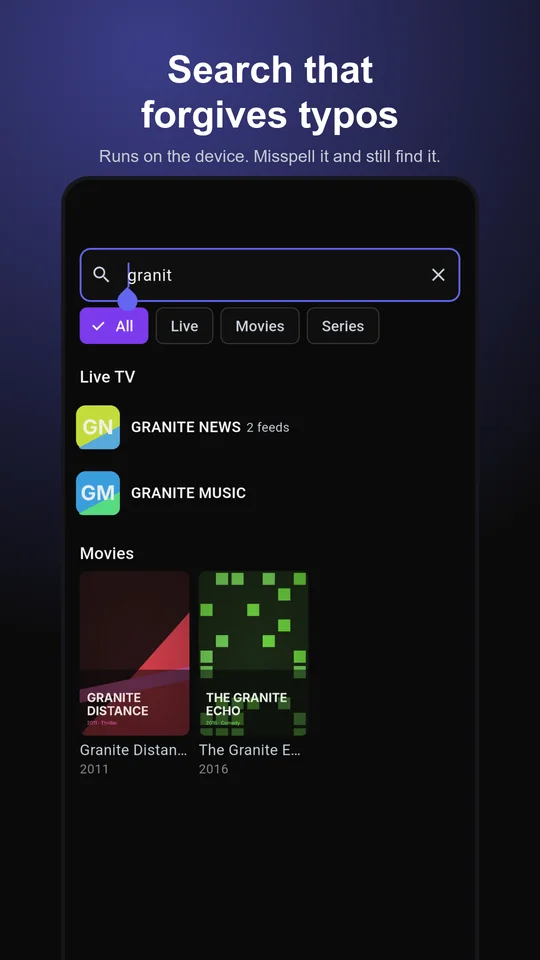
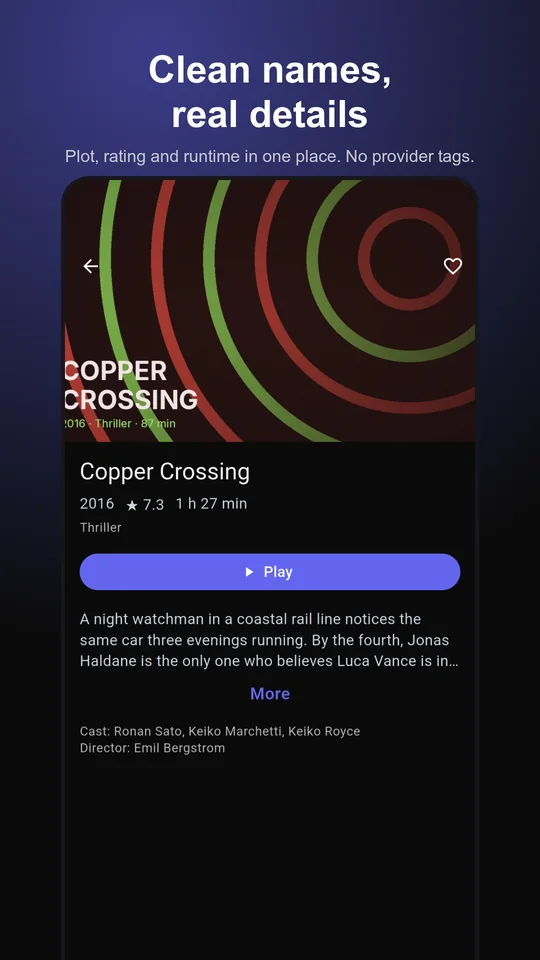
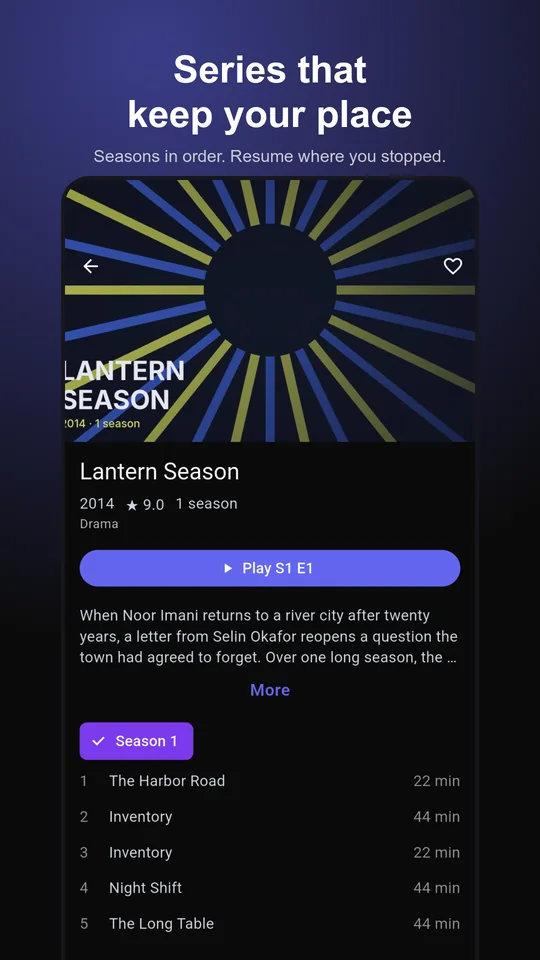
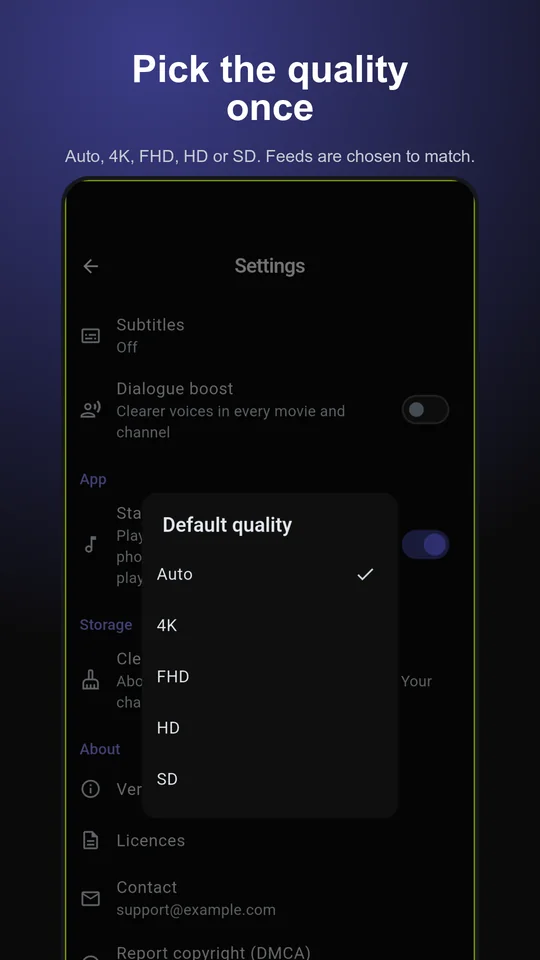
Android phone app. Titles and channel names come from a demo catalogue with made-up names.
Who it is for
Your phone, first
Most players are built for a TV box and treat the phone as an afterthought. Flikker started on the phone: flick, portrait live TV, controls you can reach with one hand. The TV version follows the same idea.
The rest of the household
One person sets up the box. Everyone else should be able to open the app and watch. A home screen that decides for you, a PIN on adult categories, and a layout that does not need a manual.
Coming from another player
Same provider, same login, a different experience. Add your playlist and your channels are there in about a minute. Nothing to migrate and nothing to lose if you go back.
What it is not
- No contentYou bring the playlist. Flikker ships none.
- No adsNothing to skip, now or later.
- No account neededOpen the app and add a source. Accounts are optional, and the paid plans stay optional too.
- No trackingNo analytics and no crash reporting. What you watch is not reported anywhere.
Where it runs
Android phones and tablets
Google Play, in reviewLG webOS 26
In testingAndroid TV and Fire TV
In testingSamsung, Apple, Windows, Roku
Planned
No dates are promised for TV or other platforms. See the TV page for details.